Directive 8020 Guide: Should You Consult and Reboot Oracle?
Make the right call when dealing with the Cassiopeia's supercomputer to keep your crew breathing.
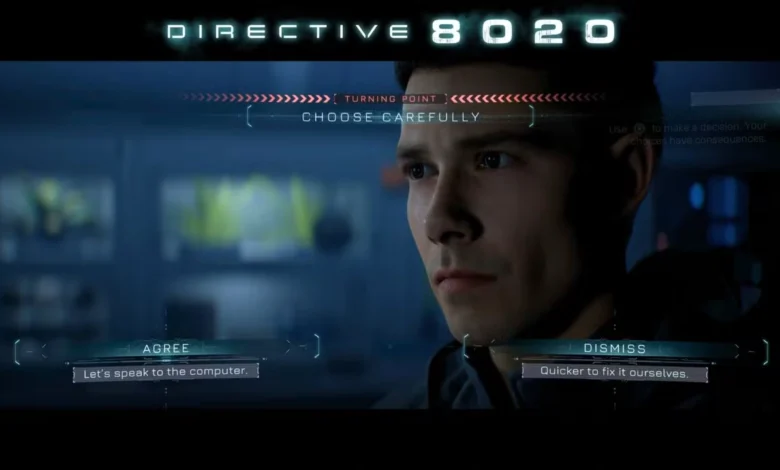
Quick Answer: You absolutely want to consult Oracle and then authorize the system reboot. Checking in with the AI opens up a crucial follow-up decision, and letting the computer restart prevents a massive technical failure that puts Carter in lethal danger later on.
Handling the Cassiopeia’s Supercomputer
Right after a mysterious meteorite absolutely rocks the ship, sleep crew members Simms and Carter wake up to a mechanical nightmare. Their first major hurdle is figuring out how to handle the damage. Do they trust the ship’s massive supercomputer, Oracle, or do they assess the hull manually?
This sequence serves as your introduction to the Turning Point mechanic. Every choice you make in this game ripples outward, and managing these branching paths is a huge part of the experience. If you are curious about how exploring these alternate timelines affects your total playtime, take a quick detour and read our complete guide on how long it takes to beat Directive 8020.
Let’s break down exactly what happens with the Oracle choices so you can keep your crew breathing.
Choice 1: To Consult or Not to Consult?
Your first prompt is straightforward but sets the stage for everything that follows.
Consulting the AI (Recommended)
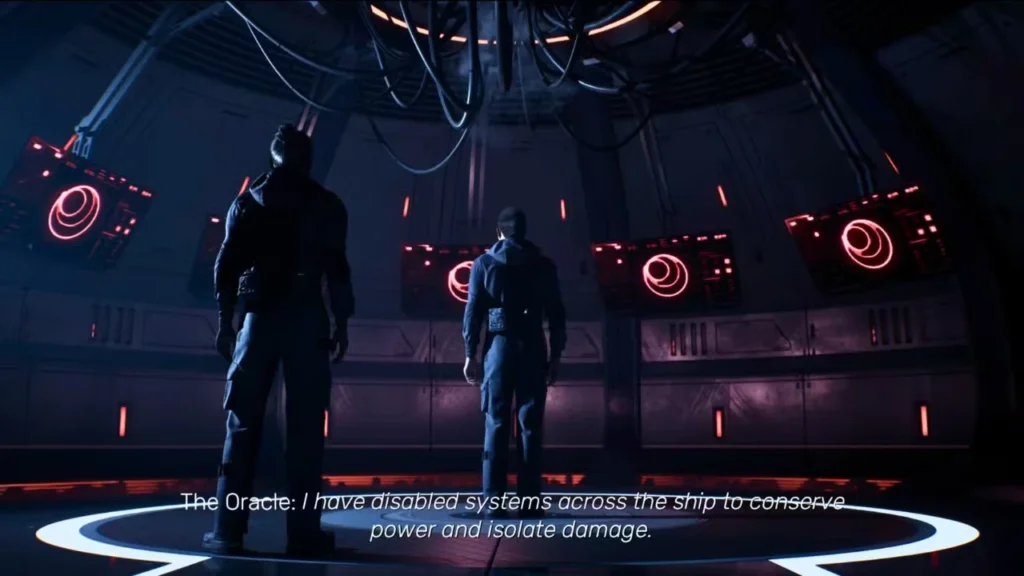
If you decide to ask Oracle for a damage report, Simms and Carter physically enter the computer’s main chamber. This is the optimal path. Not only do you get a great introduction to the AI pulling the strings behind the scenes, but it also directly unlocks the second, much more important decision.
Assessing the Damage Manually
Skipping the computer entirely means the duo will wander the ship checking the damage themselves. While nobody dies immediately from this choice, it is essentially a narrative dead end. You miss out on meeting the AI early and completely lock yourself out of the all-important reboot decision.
Choice 2: Rebooting Oracle’s Systems
Assuming you made the smart move and consulted the AI, Oracle will immediately request a full system reboot to run a proper diagnostic check. Simms hates the idea of delaying their immediate repairs, leaving the final call resting squarely on Carter’s shoulders.
Here is exactly how both options play out:
Authorizing the Reboot (Recommended)
Giving Oracle the green light is absolutely the right move. The supercomputer restarts, flushes out any glitches caused by the impact, and gets the internal subsystems running smoothly. Carter and Simms can then head outside for their spacewalk repairs without worrying about the ship’s electronics turning against them.
Delaying the Reboot
Telling the computer to hold off seems harmless at first, but the consequences hit hard a little later.
- You complete the exterior hull repairs normally.
- Upon returning inside, an unknown threat begins actively hunting Carter through the dark corridors.
- Because the systems were never flushed, an electronic door malfunctions and blocks your escape route right when you need it most.
- You are suddenly forced into a high-pressure Quick Time Event.
- Failing this QTE results in a truly brutal outcome for Carter.
Save yourself the stress and let the machine run its update.
For more deep dives, hidden secrets, and full walkthroughs visit our other Guides here.