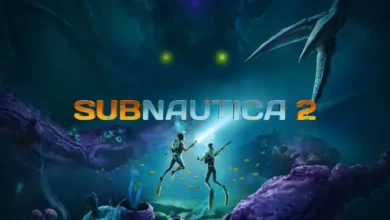
Subnautica 2 Guide: How to Play Multiplayer and Co-Op
Dive with Friends: Your Complete Guide to Crossplay, Invites, and Co-Op Progression on Proteus
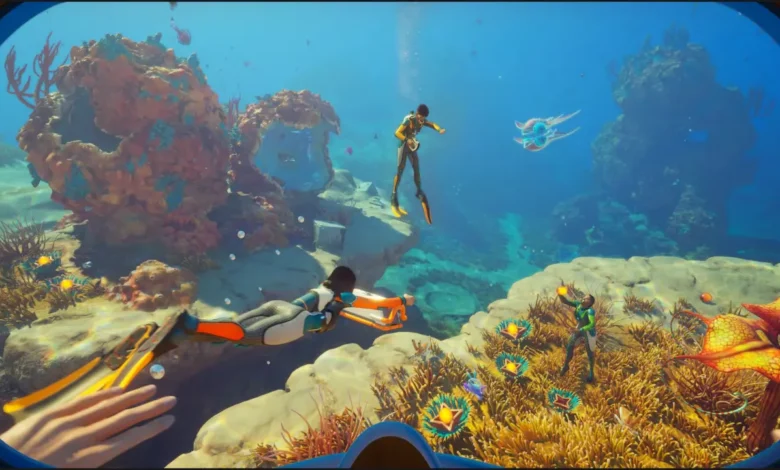
Quick Answer: Subnautica 2 features fully integrated four-player co-op with complete crossplay support between Xbox and PC. You can easily convert an existing solo save into a multiplayer world, share base-building and blueprint progress, and explore the ocean freely without any annoying tethering limits.
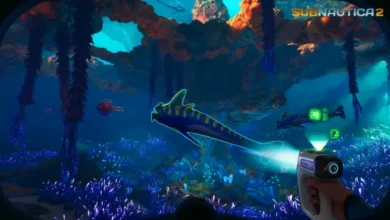
Diving into a pitch-black alien ocean is infinitely less terrifying when you have a friend swimming right beside you. While the original game was a strictly solitary experience, the developers built this sequel from the ground up to support four-player multiplayer.
The best part is that you are never locked into one playstyle. You can play the entire campaign solo if you want, as there are absolutely no multiplayer-exclusive biomes, items, or progression walls. But if you want to bring your friends along for the ride, setting up a lobby is incredibly easy.
How to Convert a Solo Save to Multiplayer
You do not need to start a brand-new game just because a friend bought a copy. The game allows you to flip your save files back and forth between solo and co-op seamlessly. All of your base modifications and story progress will carry over perfectly.
- Go to the main menu and select Play Single Player.
- Highlight the save file you want to use.
- Click the Convert to Multiplayer option.
- If you ever want to play alone again, go to Host Multiplayer, pick that same save, and select Convert to Single Player.
Inviting Friends and Using Crossplay
Subnautica 2 fully supports crossplay between PC and Xbox platforms. Getting everyone into the same lobby just depends on whether you are already friends on the same platform network.
Same Platform Invites
If you and your friends are playing on the same platform (like Steam to Steam, or Xbox to Xbox), the process takes seconds:
- Select Host Multiplayer from the main menu and load your save.
- Open the pause menu once you spawn into the world.
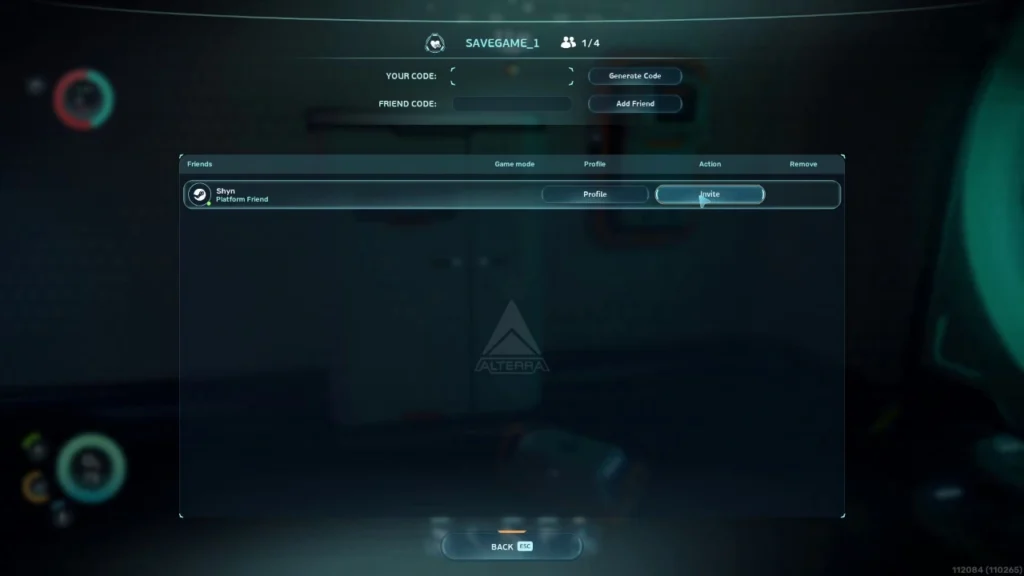
- Open your Friends List and click Invite next to their name.
- Your friend simply accepts the pop-up notification to drop into your ocean.
Crossplay Invites
If you are playing on PC and want to invite an Xbox player, you need to use the game’s internal friend system.
- Select Join Friends from the main menu.
- Generate a Friend Code at the top of the screen.
- Share this code with your cross-platform friend so they can add you to their in-game list.
- Once added, follow the standard invite steps above.
How Co-Op Progression Actually Works
When you invite someone to your world, you share the environment, but you do not share everything. It is crucial to understand what transfers between players and what remains tied to individual characters.
| Shared Progress | Individual Progress |
| Blueprints & Databanks: Once one person scans a new tech fragment, the recipe unlocks for the entire server. | Inventory: You keep your own pockets. If you log out, your items stay with your character. |
| Bases & Facilities: Everyone can use lockers, Fabricators, and the Scanner Station. | Character Stats: New players joining your late-game save start with fresh stats and zero gear. |
| Missions: Black box waypoints and story triggers are server-wide. | Adaptations: Every player must unlock their own genetic traits (like Digestion or Heat Tolerance). |
Because late-joiners spawn with absolutely nothing, you will need to craft some basic tools for them so they survive their first dive. If your group is constantly bottlenecked by rare materials while trying to outfit new players, check out our Subnautica 2 Guide: How to Find and Farm Lead to get everyone geared up fast.
Exploration and Death Mechanics
The best technical achievement in this co-op mode is the complete lack of tethering. Many survival games force players to stay within a small radius of the host. Not here. You can be base-building in the shallows while your friend is exploring a cavern a thousand meters away. The game handles the distance perfectly.
Death works exactly the same as it does in single-player. There are no magical revive mechanics. If a Leviathan eats you, you will instantly respawn back at your base or Lifepod, dropping a portion of your unequipped inventory where you died. The silver lining to multiplayer is that your friends can swim over, loot your dropped items, and bring them safely back to base.