Subnautica 2 Guide: How to Release the Lifepod Clamps
Escape the Sinking Station and Survive Your First Five Minutes on Zazura
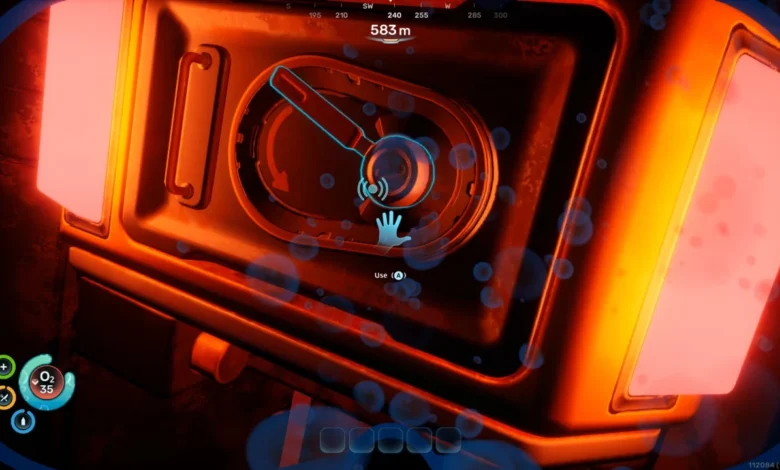
Quick Answer: Exit your sinking Lifepod, swim directly around to the back of the exterior hull, and interact with the two glowing red levers. Head back inside immediately before your tiny oxygen meter runs out.
Your introduction to the alien oceans of Zazura is immediately chaotic. The game drops a critical objective on you right out of the gate: detach your Lifepod from the sinking space station wreckage so you can float to the surface.
The problem? Subnautica 2 offers absolutely zero handholding here. There are no glowing waypoints or tutorials explaining where these clamps actually are, making it incredibly easy to drown in the first five minutes of your playthrough.
Where to Find the Clamps
To get your starter base to the surface, follow these exact steps:
- Drop out of the bottom hatch of your Lifepod into the water.
- Turn around and swim directly to the back exterior wall of the pod.
- Look for two mechanical levers flanked by glowing red and orange lights.
- Interact with both levers (press A on Xbox, X on PlayStation, or your standard interact key on PC) to disengage the locks.
Here is a quick visual reference for the clamping mechanism:
| Clamp Status | Indicator Light | Next Step |
| Locked | Red / Orange | Pull the lever immediately. |
| Released | Blue | Swim back to the interior hatch. |
The Oxygen Trap
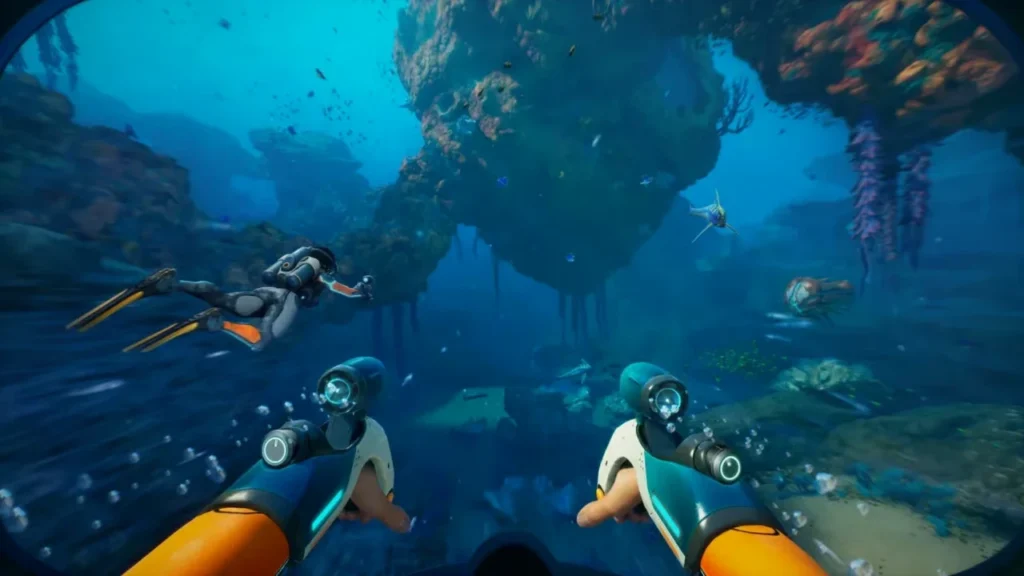
The biggest danger here is your own curiosity. At this exact moment, you have no fins to swim faster and no upgraded oxygen tank. Your air supply will deplete aggressively.
It is incredibly tempting to poke around the wreckage looking for early resources or hidden easter eggs. Do not do it. There is absolutely nothing of value sitting around the exterior of the Lifepod right now. If you waste time looking for loose Titanium, you will suffocate before the game even properly begins.
Speaking of surviving the early game, if you are planning to brave the depths with a crew, make sure you know exactly how the servers handle shared progression by checking out our Subnautica 2 Guide: How to Play Multiplayer and Co-Op.
Ascending to the Surface
Once both clamps are successfully detached, the lights on the exterior of the hull will flip from red to a cool blue. You will also notice a metal shutter slide open to reveal a window looking right back into your pod.
That is your cue to leave. Swim back through the bottom hatch. Once you are safely inside and breathing real air again, walk over and interact with the NOA AI orb terminal. Let the artificial intelligence know the physical clamps are off, and it will fire the thrusters, shooting your Lifepod to the safety of the ocean surface.